The Future of AI Video Editing: What to Expect in the Next 5 Years


Technology is advancing incredibly, and artificial intelligence (AI) is changing how we do many things, including video editing. AI-powered video editing tools have made it easier for professionals and beginners to create high-quality videos without spending hours editing. But what does the future hold? In the next five years, AI video editing will become even more powerful, efficient, and accessible. Let’s explore what we can expect shortly.
1. Faster and Smarter Editing
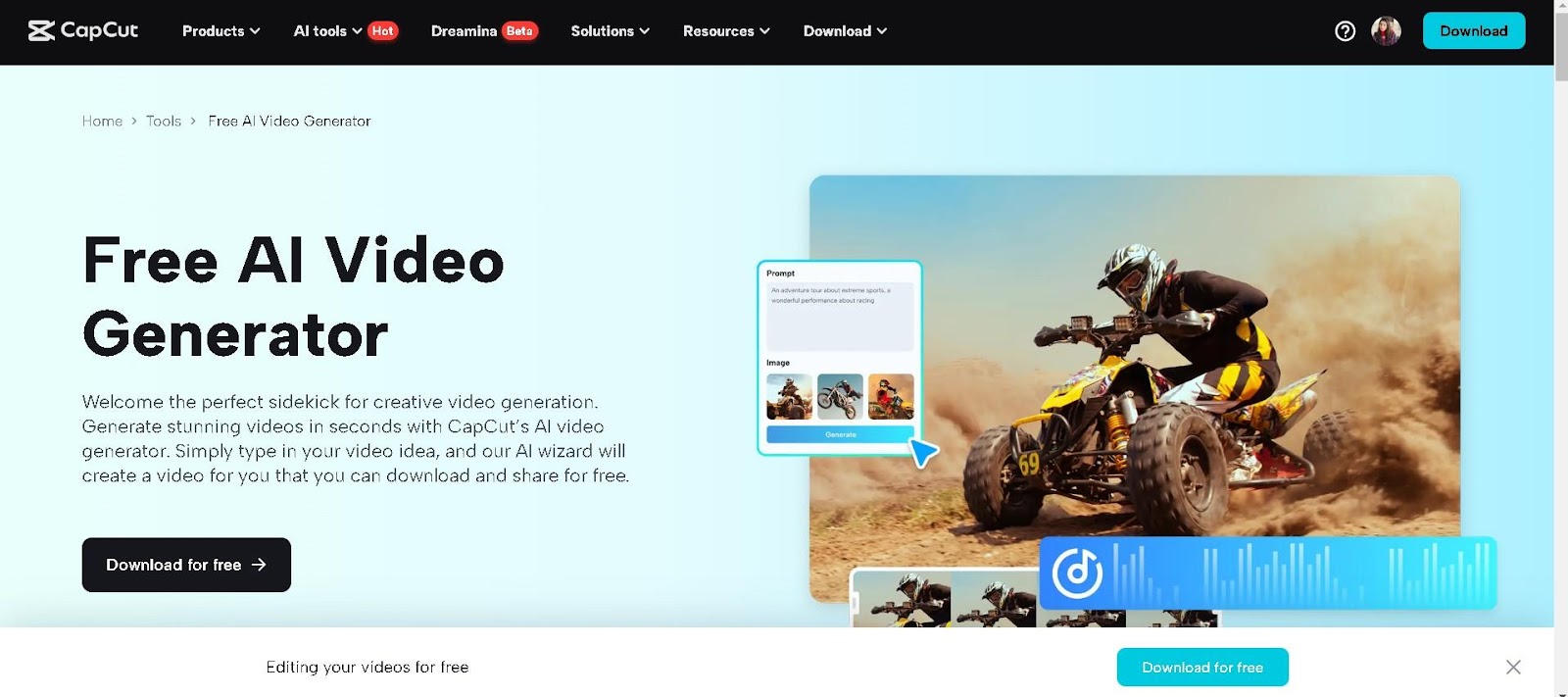
One of AI’s most significant advantages in video editing is automation. AI can already cut, trim, and organise footage in minutes. AI will become even more intelligent in the next five years, understanding the best scenes, angles, and transitions to create professional-looking videos without human effort.
Free video editing software will also learn users’ editing styles and preferences. If you frequently use a particular transition or colour grading type, AI will apply similar settings automatically, making editing faster and more personalised.
2. Advanced AI-Powered Effects and Enhancements
AI is already used to enhance video quality, improve colors, and add effects, but these features will become even more advanced. Some upcoming improvements include:
- Automatic Colour Correction: An AI video generator analyses video content and adjusts colours to make it look more cinematic and professional.
- Better Noise Reduction: AI will remove grainy or low-light noise, making even poorly shot videos look sharp and clear.
- Realistic Special Effects: AI will create stunning visual effects in real time, making it easier for creators to add Hollywood-style effects without expensive software or expertise.
3. AI-Generated Content and Virtual Avatars
In the future, AI will help create realistic avatars and even generate content. This means that AI could create a virtual version of you, allowing you to record videos without being on camera. AI avatars can mimic facial expressions, voice tones, and movements, making them look and sound real.
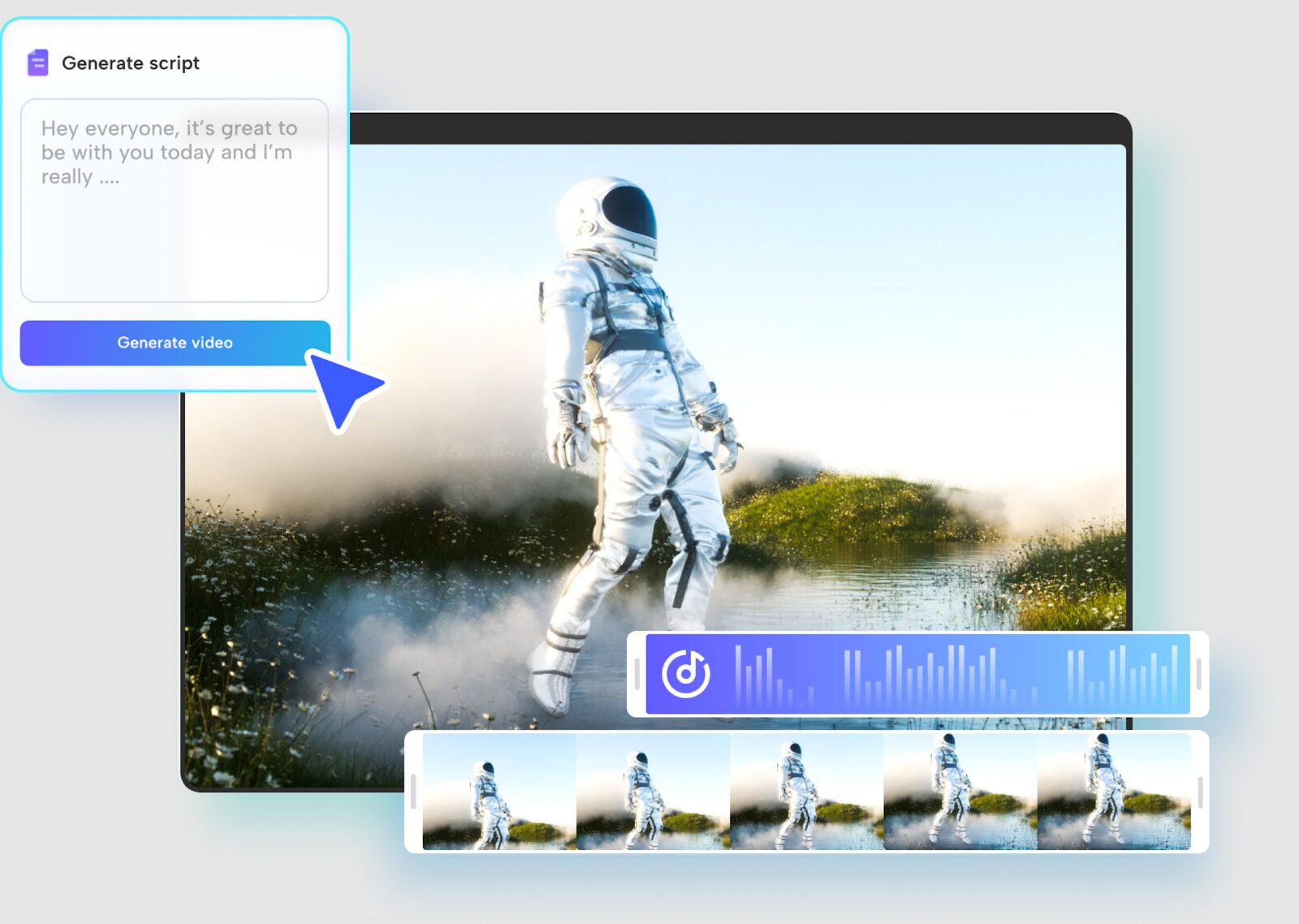
AI will also help generate video content, from animations to explainer videos. If you need a video about a particular topic, AI could automatically create a script, add relevant visuals, and edit everything together.
How to use CapCut’s script to video?
To begin, open CapCut Desktop Video Editor, create a new project, and select the Script to Video tool. Enter your text, and CapCut’s AI will analyse it to generate a structured video automatically.
Next, review the AI-generated video, which includes visuals, animations, and an AI voiceover. You can customise it by rearranging clips, adjusting text animations, changing backgrounds, and selecting different voice styles or languages to enhance the narration.
Finally, fine-tune the export settings, such as resolution and aspect ratio, then click Export. Choose your preferred format, optimise for platforms like TikTok, Instagram, or YouTube, and share your video effortlessly.
4. Voice and Speech Editing Improvements
AI is making significant improvements in voice editing and speech enhancement. In the next five years, we can expect:
- Automatic Voice Dubbing – AI allows video creators to dub videos into multiple languages with realistic voiceovers easily.
- Speech Enhancement: AI will remove background noise, improve voice clarity, and adjust speech pacing to produce a more natural sound.
- AI-Generated Narration – Need a text to voice for your video? AI will generate a natural-sounding voice in any language, removing the need for human voice actors.
5. AI-Powered Storytelling
Right now, video editing still requires some human creativity. However, in the future, AI will be able to tell stories more effectively by analysing emotions, pacing, and engagement.
For example, AI will analyse which parts of a video hold viewers’ attention the longest and optimise the content accordingly. This will be especially useful for social media influencers, marketers, and filmmakers who want to create videos that keep audiences engaged.
6. Improved Collaboration and Cloud-Based Editing
Cloud-based AI video editing will become more common, allowing multiple people to edit the same project from different locations. AI will streamline the collaboration process by:
- Automatically syncing video and audio from different sources.
- Suggesting edits based on team preferences.
- Allowing real-time collaboration with AI-assisted recommendations.
This game-changer will be for remote teams and content creators working on big projects.
7. AI in Live Video Editing
Live streaming is gaining popularity, and AI will play a more significant role in enhancing live video content. Future AI tools will offer real-time video enhancements such as:
- Live Background Replacement – Similar to green screens, AI will allow users to change backgrounds instantly without unique setups.
- Real-Time Video Effects – AI will instantly apply filters, transitions, and effects while streaming.
- Live Captioning and Translation – AI will generate accurate captions and translate languages in real time, making live videos accessible to a global audience.
How to edit videos with CapCut?
CapCut offers a user-friendly and powerful video editing experience, whether you’re a beginner or an advanced creator.
Step 1: Open CapCut
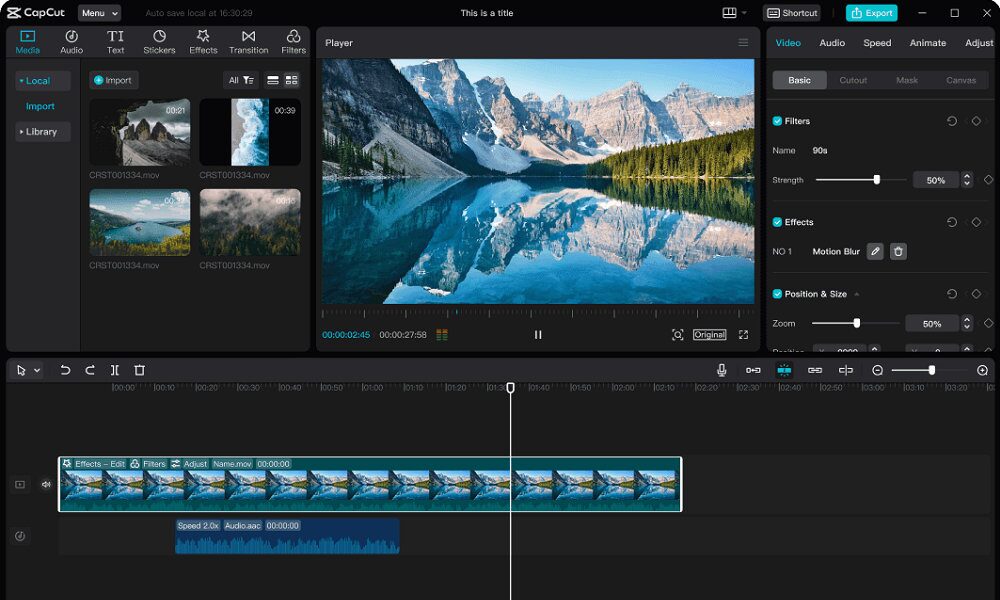
To start, open CapCut Desktop and create a new project. Import your video clips by dragging and dropping them into the timeline. You can trim, split, and rearrange clips effortlessly to structure your video the way you want.
Step 2: Edit videos
Next, enhance your video by adding text, stickers, transitions, and effects. CapCut provides a variety of templates, animations, and AI-powered tools, such as auto-subtitles, background removal, and AI voiceovers, to streamline the editing process. Adjust the speed, apply colour grading, or use keyframe animations for more advanced edits.
Step 3: Export the video
Once you’re satisfied with your edits, fine-tune your export settings. Choose the desired resolution, format, and frame rate, then click Export. CapCut also allows direct sharing to platforms like TikTok, Instagram, and YouTube, making it easy to distribute your content seamlessly.
8. Personalised Video Editing for Every User
One of the most exciting possibilities of AI video editing is personalisation. In the future, AI tools will adapt to each user’s style and preferences, making editing as simple as clicking a button. Whether you’re a YouTuber, a filmmaker, or a business owner, AI will create tailored editing solutions just for you.
For example, AI might suggest the best editing templates based on your past projects, favourite colour schemes, and most-used effects. This will make video editing much easier and faster for everyone.
9. Ethical Concerns and Challenges
While AI video editing has many benefits, it also comes with challenges. Some ethical concerns include:
- Deepfake Technology – AI can create fake videos that look real, raising concerns about misinformation and privacy.
- Job Displacement – As AI becomes more advanced, some traditional video editing jobs might be at risk.
- Over-Reliance on AI—While AI can assist in video editing, creativity, and the human touch will always be necessary.
Companies must develop ethical guidelines and regulations to address these concerns and ensure that AI is used responsibly.
Conclusion
The future of AI video editing is inspiring. In the next five years, we can expect faster, more innovative, and more intuitive tools to revolutionise video creation. From automatic edits to AI-generated content, the possibilities are endless. However, it’s also important to use AI responsibly and ensure that creativity remains at the heart of video production.
Whether you’re a professional filmmaker, a YouTuber, or just someone who enjoys making videos, AI will make editing easier and more enjoyable than ever before. The future of video editing is here, and AI powers it!

George Patient
George is the founder and editor of Merch Mates, writing about film, TV, gaming and the Disney parks.
You might also like

Best Projectors for Movies: Ultimate Home Cinema Guide 2024
What Is A Good Idle CPU Temp?
007 First Light Review: The Bond to beat

Why AURORA Belongs on the Apple Music Hall Stage
107 Best Fictional Characters That Start With M, Ranked
Star Wars Zero Company First Impressions
Candlelight: Disney Love Songs is coming to seven UK cities, from £15.50